Development
February 18, 2024
7 min read

Debugging API Calls in React with Axios & useEffect

Learn how to properly debug and manage API calls in React using Axios and hooks.

MD AL AMIN CHOWDHURY

Software Engineer

820
Debugging API Calls in React with Axios & useEffect

Debugging API Calls in React


Calling APIs in React apps can cause unexpected behaviors if not handled properly.


Common Pitfalls


  • Infinite loops due to missing dependency arrays.
  • Unmounted component state updates.

  • Best Practice


    useEffect(() => {
      let ignore = false;
    
      axios.get('/api/data').then(res => {
        if (!ignore) setData(res.data);
      });
    
      return () => { ignore = true; };
    }, []);
    

    Tips


  • Always handle cleanup in async operations.
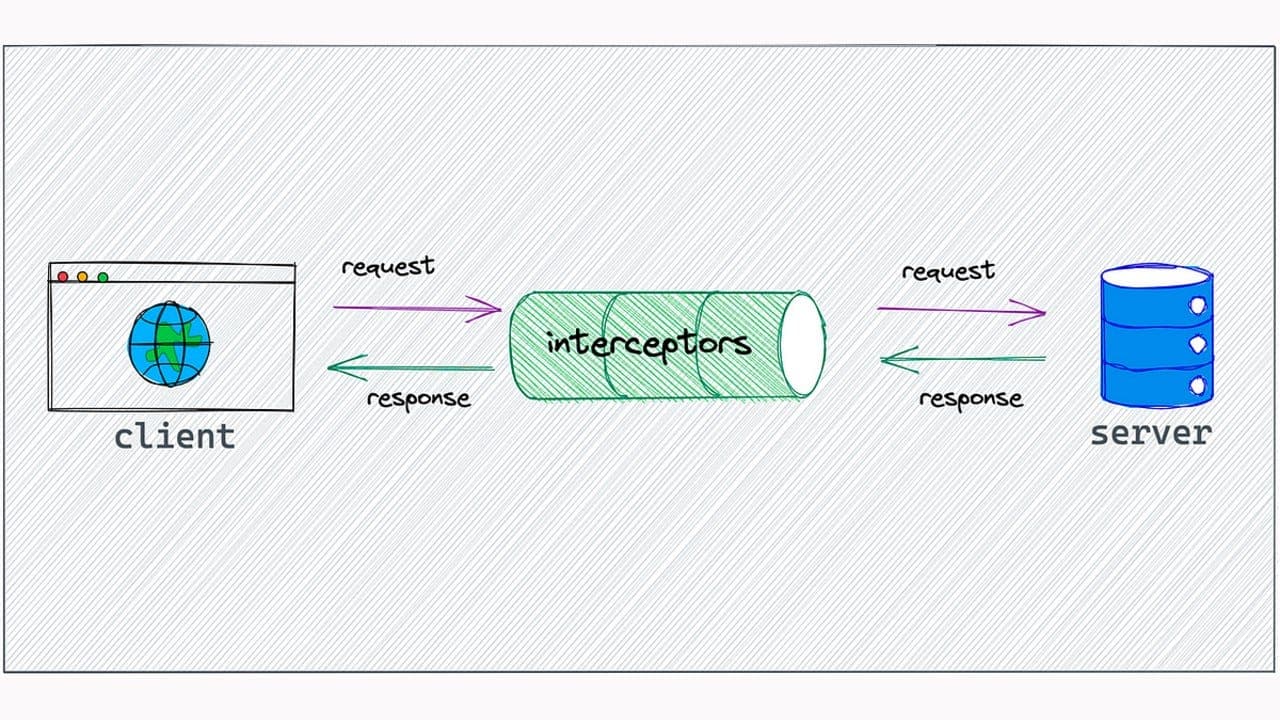
  • Use dev tools like React Query or Axios interceptors for monitoring.

  • Conclusion


    Clean API handling results in fewer bugs and better user experience.


    Tags

    #React#Axios#API#Debugging

    Enjoyed this article?

    Subscribe to get notified about new posts and updates.