Development
January 20, 2024
6 min read

Solving Hydration Errors in Next.js Apps

Hydration mismatch errors in SSR apps can be frustrating. Learn how to prevent and fix them effectively in Next.js.

MD AL AMIN CHOWDHURY

Software Engineer

690
Solving Hydration Errors in Next.js Apps

Solving Hydration Errors in Next.js


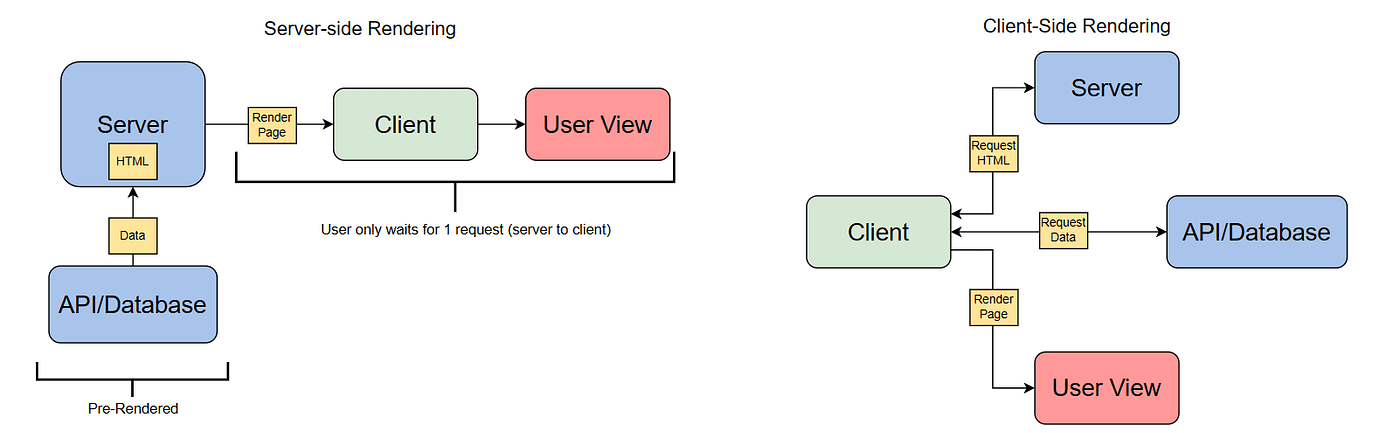
Hydration errors happen when server-rendered markup doesn’t match the client-rendered markup.


Common Causes

  • Using `Math.random()`, `Date.now()`, or browser APIs like `window` or `navigator` during render.
  • Timezone differences when rendering dates.

  • Example Fix


    Before:

    {Date.now()}


    After:

    'use client';
    const [now, setNow] = useState('');
    
    useEffect(() => {
      setNow(new Date().toISOString());
    }, []);
    
    return 

    {now}

    ;

    Best Practices

  • Avoid dynamic content on the server.
  • Use effects/hooks for browser-specific logic.
  • Wrap conditional rendering with `typeof window !== 'undefined'`.

  • Conclusion

    Fixing hydration issues improves your app’s stability and SSR experience.


    Tags

    #Next.js#SSR#Hydration#Debugging

    Enjoyed this article?

    Subscribe to get notified about new posts and updates.